




























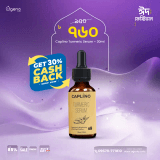


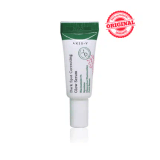
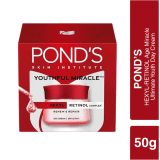

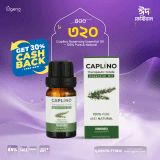









Facebook Product Feed
Connect your store catalog to Facebook & Instagram Commerce
Your Product Feed URL
3288
Products in Feed
1093
In Stock
2195
Out of Stock
How to Connect to Facebook Commerce
1
Copy Your Feed URL
Click the "Copy URL" button above to copy your product feed URL to your clipboard.
2
Open Facebook Commerce Manager
Go to Facebook Business Suite → Commerce Manager → Catalog. If you don't have a catalog yet, create one and select "E-commerce" as the type.
3
Add Data Feed
In your catalog, go to Data Sources → Data Feed → Add Items. Select "Use a URL" and paste your feed URL. Set the schedule to update automatically (daily recommended).
4
Enable Facebook & Instagram Shop
Once your products are imported, go to Commerce Manager → Shops and enable your Facebook Page shop and/or Instagram Shopping. Your products will appear on your Facebook page and Instagram profile.
Note
Your feed updates automatically when you add, edit, or remove products from your store. Facebook will fetch the latest version based on the schedule you set in Commerce Manager. Products without an image, name, or price are excluded from the feed.